


I thought I'd put some tips here that people may find useful.
Emailing other messaging board members
- You can get in touch with anyone else registered on the board by clicking their name, and clicking 'send email to ...'
- image_2026-10-05_080543031.png (18.43 KiB) Viewed 227 times
If this board puts some people in touch with each other, the board has fulfilled it's role

Images
- Geoff has been testing attaching images to posts (I think he's after my job!
 ) - seen in his thread here
- You can attach an image when making a post, look for the 'attachments' button at the bottom of the page.
- You can also link images from other websites using 'img' tags - to do this you need the URL of the image (to get that, just right click an image > copy image address, then put the image inside
Here is an example from the lancashire-fusiliers website using the url 'https://lancashire-fusiliers.co.uk/asse ... g/hk_5.jpg'
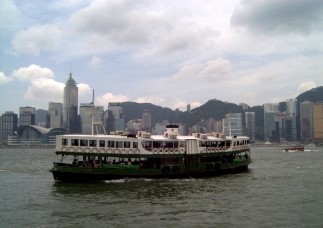
There is a button on the post form for images that will help.
I'll post more tips as we learn more


